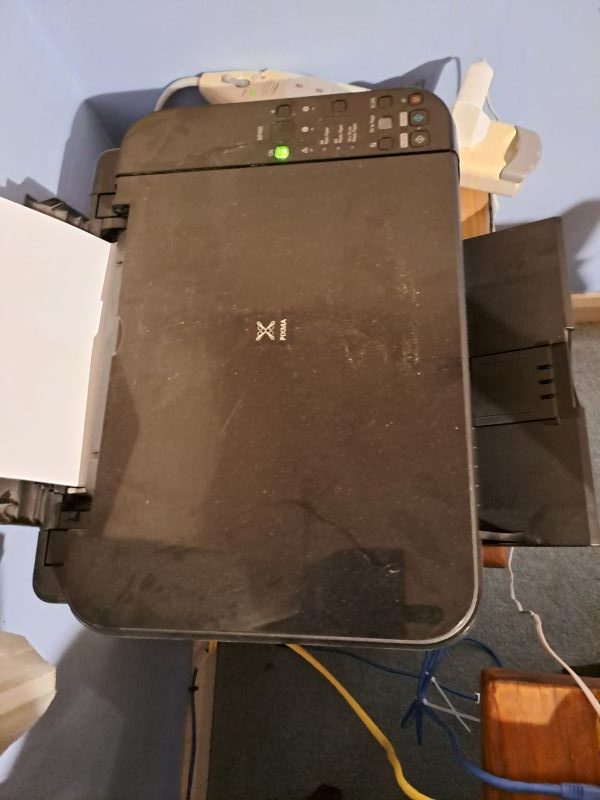
I made some changes to my internet, with the result that anything that wasn’t wired in had to be reconnected to the WiFi. So I’ve just set up a link here to the instructions, so you don’t have to go hunting for it again.
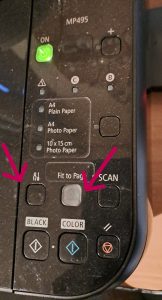
Pixma has a very nice step by step guide on how to re-connect your printer to the WiFi. The red arrows point to the buttons to press.
- The button with Spanners on it – press for 5 seconds.
- The Fit-To-Page button – press for 1 second.
- Then on the Wifi App:
- Press ‘More’ on the bottom bar.
- Press WPS.
After doing these steps, give it a couple of moments and then check your computer again. You should now be able to print to the printer.